Switching Between Workspaces
Users with multiple workspaces can navigate between them without logging out.
Switch Workspace
Users with multiple workspaces can navigate between them without logging out.
From the Sidebar
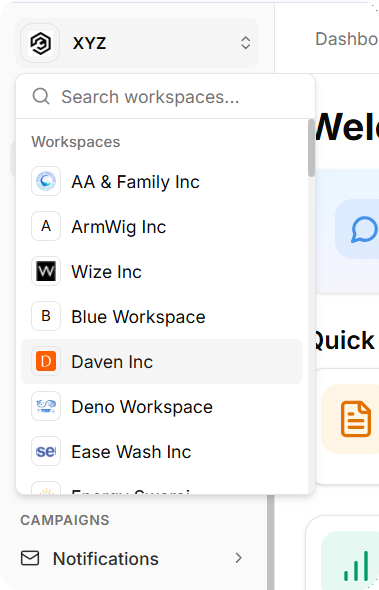
Located at the bottom of the left sidebar, the Switch Workspace button opens a dropdown displaying all available workspaces.
Each workspace entry shows its logo (or initial letter if no logo exists) and name. Selecting any workspace triggers a page reload into that workspace's dashboard.
What Changes When You Switch
Each workspace operates as an independent environment. Switching workspaces affects:
Content access (pages, posts, events, collections) varies by workspace
Audience and Insights data remains workspace-specific
Team membership and permission levels are workspace-specific
Billing structures apply per-workspace
Personal account information (email, password, profile) remains consistent across all workspaces.
